
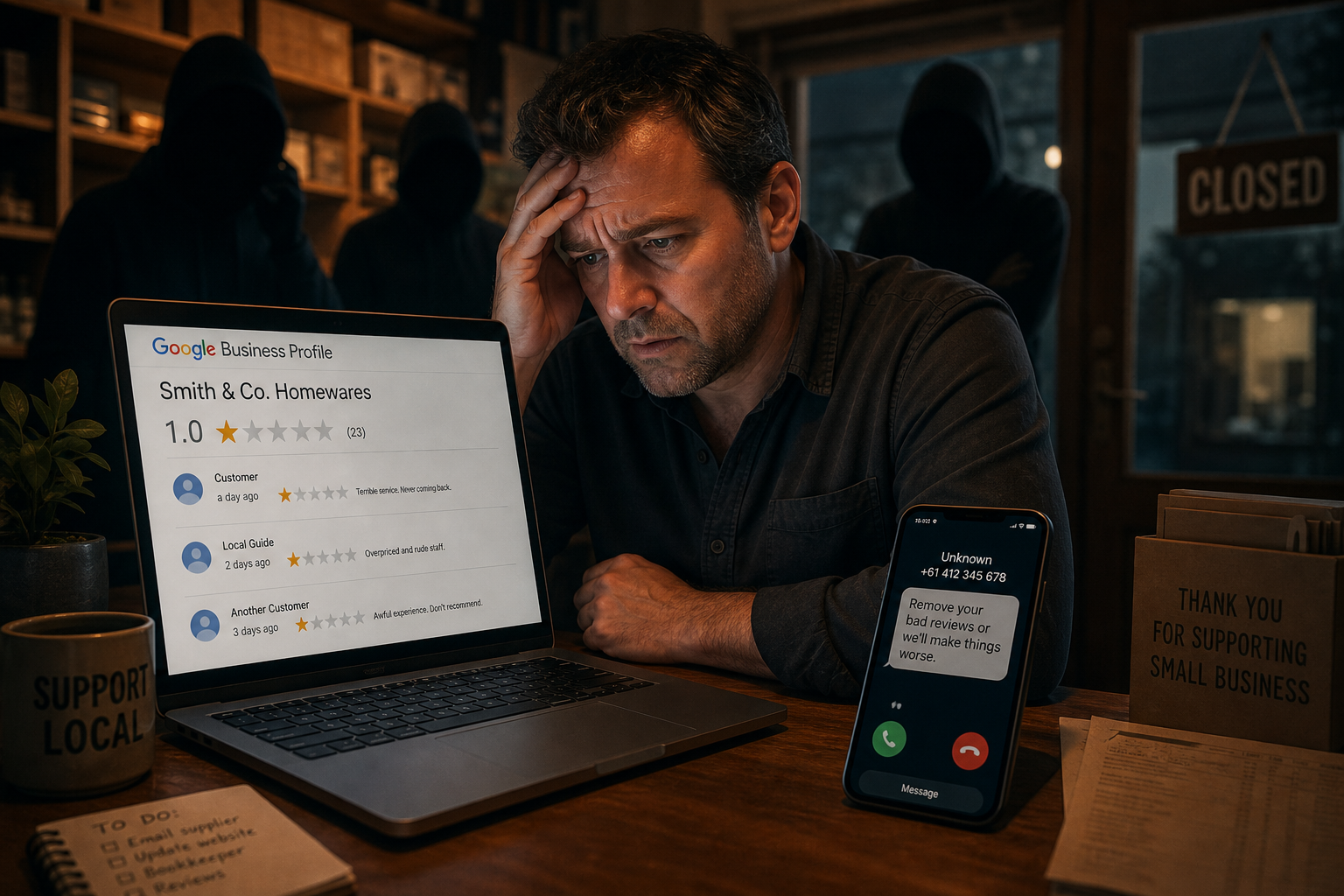
A poor Google review can be upsetting, especially when it does not match any customer interaction you recognise. The pressure gets worse if someone then offers to remove it for money or threatens to post more.
Do not pay or argue publicly. Preserve the evidence, report the activity and protect the Google account that manages your Business Profile.
How the scam may work
A scammer may post or threaten negative reviews, then demand payment to stop or remove them. Another may claim to work for Google or a review management service and offer a paid fix.
The review and contact may happen close together, but timing alone does not prove who posted it. Keep the evidence and avoid making a public accusation you cannot support.
Warning signs
Treat the contact with care if:
- The person demands money to remove a review or prevent more reviews.
- They ask for payment through an unusual or hard to reverse method.
- They create urgency or threaten the owner or staff.
- They claim to represent Google but direct you away from official support channels.
- The review describes a visit or transaction nobody can match to business records.
A new profile or a generic comment can be suspicious, but genuine customers may also have little review history. Assess the content and your records rather than relying on the profile picture.
Preserve evidence
Take screenshots of the review, reviewer profile, messages, email addresses, phone numbers and payment instructions. Record dates and times. Keep original emails if possible because their technical details may help an investigation.
Do not follow links or open files sent by the person. Do not give them access to your Google Business Profile.
Report the review and the threat
Use your Google Business Profile to report a review that breaches Google's policies. Explain the issue accurately and provide supporting information through the official process.
If someone claims to be from Google, open Google's support site yourself rather than using the caller's link or phone number. Verify any case through that official channel.
Report the scam to Scamwatch. If the message includes a credible threat, consider contacting police. Your insurer or legal adviser may also need to know, depending on what happened.
Respond carefully in public
A short, calm response can show readers that the business takes feedback seriously while the review is assessed. Do not publish personal information or accuse the reviewer of a crime.
For example:
We cannot match this review to a customer visit from the information provided. Please contact us through the details on our website so we can investigate.
If the review is removed, you can remove or update your response.
Protect the Business Profile
Use unique sign-in details and multi-factor authentication for every account with access. Limit access to staff and suppliers who need it, and remove former users promptly.
Keep recovery details current. Review who owns and manages the profile, and make sure the business can regain access if a staff member or marketing provider leaves.
Monitor new reviews so you can respond promptly. Encourage genuine customers to leave honest feedback, but do not offer incentives that breach platform rules.
Not sure who owns or manages your Google Business Profile? Book a Google Business Profile security consultation to review the account access, recovery details and devices used to manage it.

