Local IT Support

IT Support in Croydon: What Small Businesses Should Expect

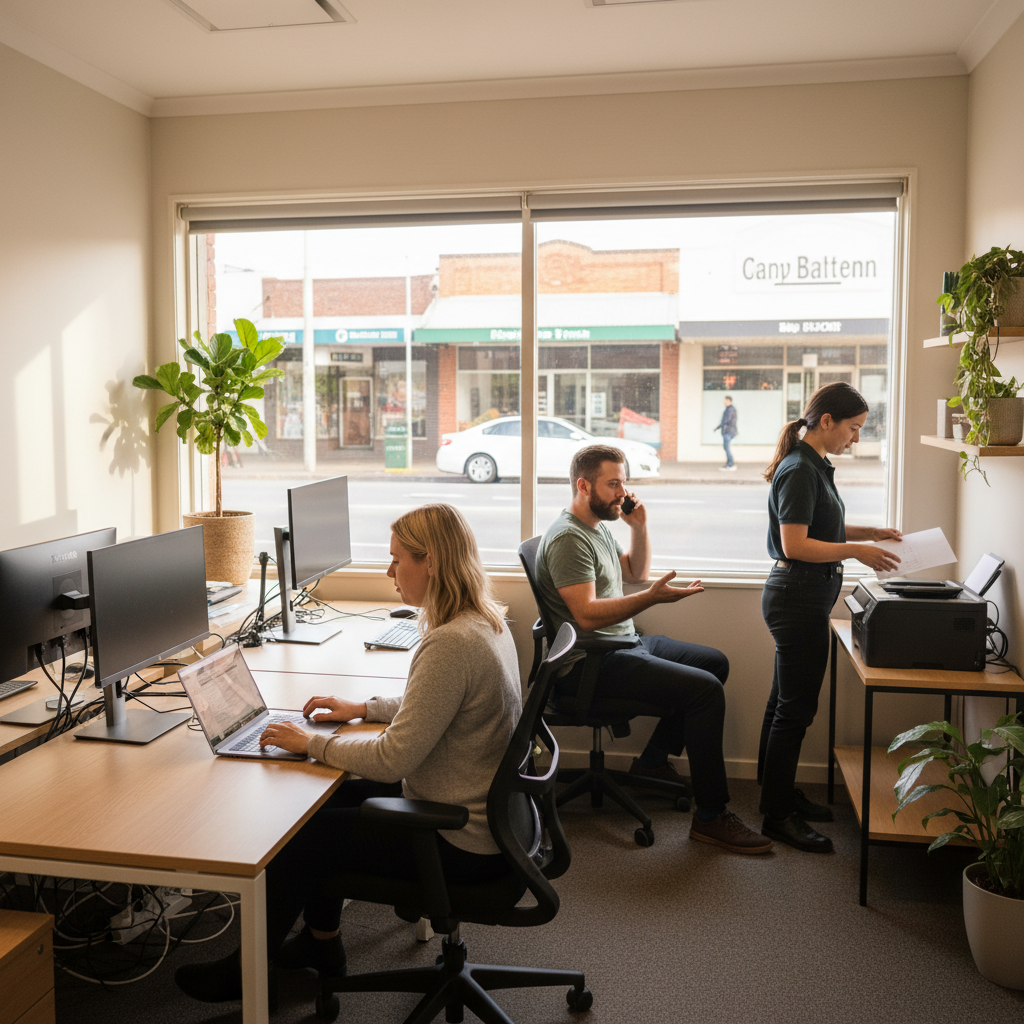
Three office workers in a small workspace: one typing on a laptop, one on a phone call, and one using a printer

If you run a small business in Croydon, IT support should make your day easier, not more confusing. Whether you are near Maroondah Hwy, in a shopfront, a small office, a clinic, a warehouse, or working from home, you need technology that helps staff get work done safely.

Good IT support is not just someone who fixes a computer after it breaks. It should cover day-to-day help, sensible cybersecurity, Microsoft 365 setup, backups, and clear billing so you know what you are paying for.

This guide explains what Croydon small businesses should expect from a practical IT support provider.

Local support should understand how Croydon businesses actually work

Croydon has a mix of professional services, retail stores, trades, health providers, accountants, and small offices. Many businesses have only a handful of staff, but they still rely heavily on email, internet, phones, accounting software, shared files, and customer records.

When any of those stop working, the impact is immediate. Jobs get delayed, invoices are missed, customers wait, and staff waste time trying to work around the problem.

A good IT support provider should understand that small business IT is not about fancy systems. It is about keeping the essentials working and protecting the business from avoidable disruption.

Remote-first support is usually the fastest option

For many Croydon businesses, remote-first support is the best starting point. This means your IT support team can securely connect to your computer or system and fix many issues without needing to drive to your location.

That matters because a slow response can cost more than the IT issue itself. If someone cannot access email, open files, print an invoice, or sign into Microsoft 365, waiting for a technician to arrive onsite is often unnecessary.

Common issues that can often be fixed remotely

  • Email not syncing or opening properly
  • Microsoft 365 sign-in problems
  • Printer connection issues
  • Password resets and account access
  • Slow computer checks
  • Software updates and basic troubleshooting
  • Adding or removing users
  • Help with OneDrive, SharePoint, Teams, and Outlook

Remote support should still feel personal. You should be able to call or lodge a request, explain the issue in plain English, and know what happens next.

Onsite support still matters when it is genuinely needed

Remote support is efficient, but it does not replace onsite support completely. Some issues need someone physically there, especially when hardware, cabling, internet equipment, wireless coverage, or office setup is involved.

If your business is based near Maroondah Hwy, around Croydon station, in an industrial area, or in a nearby home office, onsite visits should be available when the job calls for it.

Examples of when onsite support makes sense

  • Setting up new computers, monitors, docks, and printers
  • Checking internet and Wi-Fi coverage in the office
  • Replacing failed hardware
  • Setting up a new office or relocating equipment
  • Troubleshooting cabling, routers, switches, or NBN-related equipment
  • Helping staff with a larger technology change

The key is balance. You should not pay for onsite time when remote support will solve the problem faster, but you also should not be left stranded when a hands-on visit is required.

Cybersecurity should be part of normal IT support

Cybersecurity is no longer just a concern for large companies. Small businesses are often targeted because criminals know they may not have strong protections in place.

For a Croydon small business, the goal is not to make everything complicated. The goal is to put a clear baseline in place so the most common risks are reduced.

A sensible cybersecurity baseline should include

  • Multi-factor authentication for email and important accounts
  • Strong password practices, ideally using a password manager
  • Secure Microsoft 365 settings
  • Device protection on computers and laptops
  • Regular software and security updates
  • Backups that are checked, not just assumed
  • Staff guidance on scam emails and suspicious links
  • Clear steps for what to do if something looks wrong

Most cyber incidents start with simple things: a stolen password, a fake invoice, a scam email, or an unprotected device. Good IT support helps close those gaps before they become expensive problems.

Microsoft 365 should be set up properly, installed

Many small businesses use Microsoft 365 every day, and not all of them have it set up well. Outlook, Teams, OneDrive, SharePoint, and Microsoft 365 security settings can either make work easier or create confusion if they are poorly organised.

Your IT support provider should help you use Microsoft 365 in a way that suits your business. That might mean shared mailboxes, proper file permissions, Teams channels, secure access for staff, and simple rules for where documents should live.

What good Microsoft 365 support looks like

  • Setting up new staff correctly from day one
  • Removing access quickly when someone leaves
  • Making sure business files are stored in the right place
  • Protecting email accounts from common attacks
  • Helping staff use Outlook, Teams, OneDrive, and SharePoint confidently
  • Reviewing licences so you are not paying for things you do not need

This is especially important for businesses with staff working between the office, home, client sites, or vehicles. Cloud tools can be very useful, but only when access and security are managed properly.

Predictable billing should be clear and fair

Small businesses need cost control. IT support should not feel like a surprise invoice waiting to happen.

Predictable billing means you understand what is included, what is not included, and how extra work is approved. It also means your provider should explain costs before doing major work, rather than sending an unexpected bill later.

Questions to ask about IT support pricing

  • Is support billed monthly, hourly, or as a mix of both?
  • What response times are included?
  • Are remote support and onsite visits priced differently?
  • Are Microsoft 365 licences included or billed separately?
  • Are security tools, backups, and monitoring included?
  • What happens if we need a project, such as an office move or new server replacement?

There is no single pricing model that suits every business. What matters is that the billing is transparent and matches the level of support your business actually needs.

You should expect plain-English communication

IT support should not leave you feeling silly for asking a question. If something is broken, risky, or needs replacing, the explanation should be clear.

A good provider will tell you what is happening, what the business impact is, what your options are, and what they recommend. They should avoid burying you in technical language.

For example, instead of saying a device has an authentication issue with a cloud identity provider, they should be able to say the staff member cannot sign in because the account security check is failing, and here is how we will fix it.

Support should include prevention, not just break-fix repairs

Break-fix support means you call someone only when something goes wrong. That may seem cheaper at first, but it often leads to more downtime, rushed decisions, and patchy security.

Managed IT support is more proactive. It should include regular checks, updates, monitoring, account management, backup checks, and security improvements.

Preventive support can help reduce

  • Unexpected outages
  • Lost files
  • Slow computers
  • Email account takeovers
  • Confusion when staff join or leave
  • Last-minute purchases caused by old equipment failing

The aim is not to make IT perfect. The aim is to reduce avoidable problems and help the business plan ahead.

What to look for in a Croydon IT support provider

When choosing IT support in Croydon, look for a provider that understands small business pressures. You want practical help, not a long list of services that do not match your needs.

A strong provider should offer

  • Fast remote support for everyday issues
  • Onsite help in Croydon and nearby areas when required
  • Microsoft 365 support and security
  • Basic cybersecurity protections explained clearly
  • Backup planning and recovery checks
  • Predictable monthly billing options
  • Clear advice before major changes or purchases
  • A simple process for logging support requests

It is also worth asking how they handle urgent issues. A computer problem for one staff member is different from your whole team losing internet, email, or access to customer systems.

When your business should review its IT support

You do not need to wait for a major problem to review your IT setup. In fact, the best time to check is before something fails.

It may be time to review your support if

  • You are not sure who has access to your systems
  • Staff are using personal email or personal storage for work
  • You have no clear backup plan
  • You are unsure whether multi-factor authentication is turned on
  • IT invoices are unpredictable or hard to understand
  • Computers are slow and staff are losing time
  • You are growing and adding new staff or locations
  • You have had a scam email, suspicious login, or security scare

A short review can often uncover simple fixes that make the business safer and easier to run.

Practical IT support for Croydon small businesses

Small business IT support in Croydon should be simple, responsive, and grounded in how your business operates. You should expect remote-first help for speed, onsite support when needed, a sensible cybersecurity baseline, Microsoft 365 guidance, and billing that does not surprise you.

The right support partner will not try to overcomplicate things. They will help you keep staff working, protect your business information, and make better decisions about technology.

If you run a small business in Croydon or nearby areas, JCPIT Support can help you understand where your IT setup stands today. Book a free security check and we will review the basics, explain any risks in plain English, and give you practical next steps.

Jake
Jake
JCPIT Support — Keeping IT Simple.
← Previous Article
SMB1001 Gold: What It Means for Australian Small Businesses
