

Microsoft 365 is designed to keep services available, but availability is not the same as a complete business backup.
That distinction matters when someone deletes important files, an account is compromised, or your business needs to recover data from a known point in time.
What Microsoft 365 already does
Microsoft 365 services include built-in resilience, version history, recycle bins, retention features, and service recovery processes. These features can help recover individual items and protect against some accidental changes.
They do not automatically answer every recovery question:
- What data needs to be recovered?
- How far back must it be restored?
- Who can perform the restore?
- Can the whole site, mailbox, or account be returned to a known healthy state?
- Can the business test that recovery before an incident?
Retention is not the same as backup
Retention policies are designed to keep or delete information according to business or compliance rules. They are not a simple copy of your Microsoft 365 setup that you can restore whenever you need it.
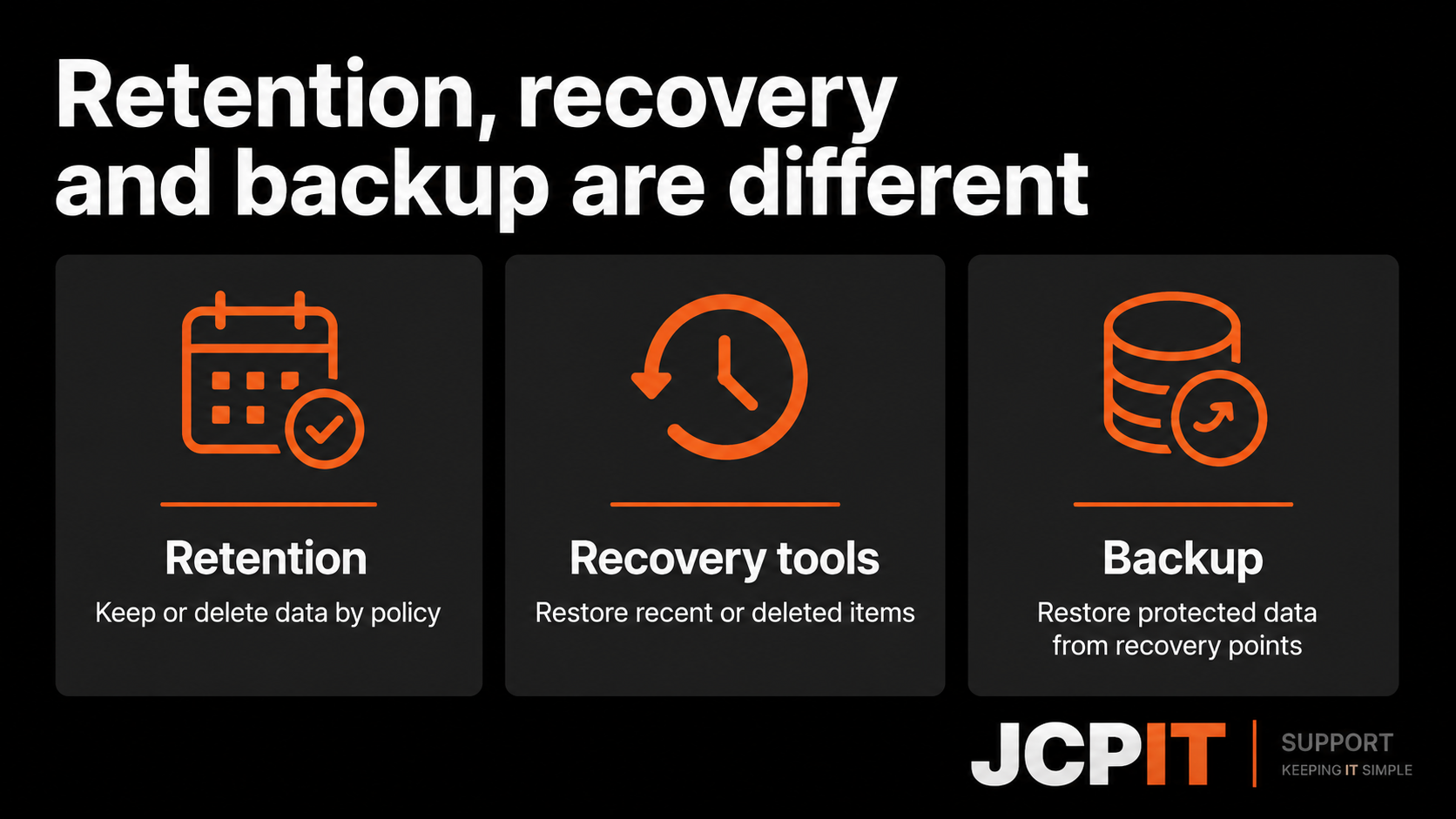
Microsoft 365 Backup is a separate Microsoft service. Microsoft says it can protect SharePoint sites, OneDrive accounts, and Exchange Online mailboxes, with recovery points and restore options managed through a backup policy.
That means a business still needs to decide whether Microsoft 365 Backup, a partner backup service, or a combination of controls fits its recovery requirements.
What a separate backup should help you answer
- Which Microsoft 365 services are protected?
- How long are recovery points kept?
- Can you restore one item, one mailbox, or a whole site?
- Can an administrator recover data if the Microsoft 365 setup account is compromised?
- How quickly does the business need to resume normal work?
- When was the last restore test?
If the answer to the last question is “we have never tested it”, the backup plan is not finished.
A practical check for small businesses
Ask your IT provider to demonstrate one realistic recovery:
- restore a deleted file;
- recover an accidentally changed folder;
- restore a mailbox item; and
- explain what happens if an attacker has administrator access.
The demonstration should use a test location where possible. Record the steps, the account used, the expected recovery time, and any data that cannot be restored.
The short version
Microsoft 365 protects the service and includes several recovery features. That is valuable, but it does not remove the need to define your own recovery requirements.
Start with the data your business cannot recreate, then check that your backup and restore process covers it. A backup you can restore, and have practised restoring, is far more useful than a checkbox that simply says “protected”.
Need to check whether you can recover your files? Our managed backup service includes monitoring backups and planning how to restore the files your business needs.

