
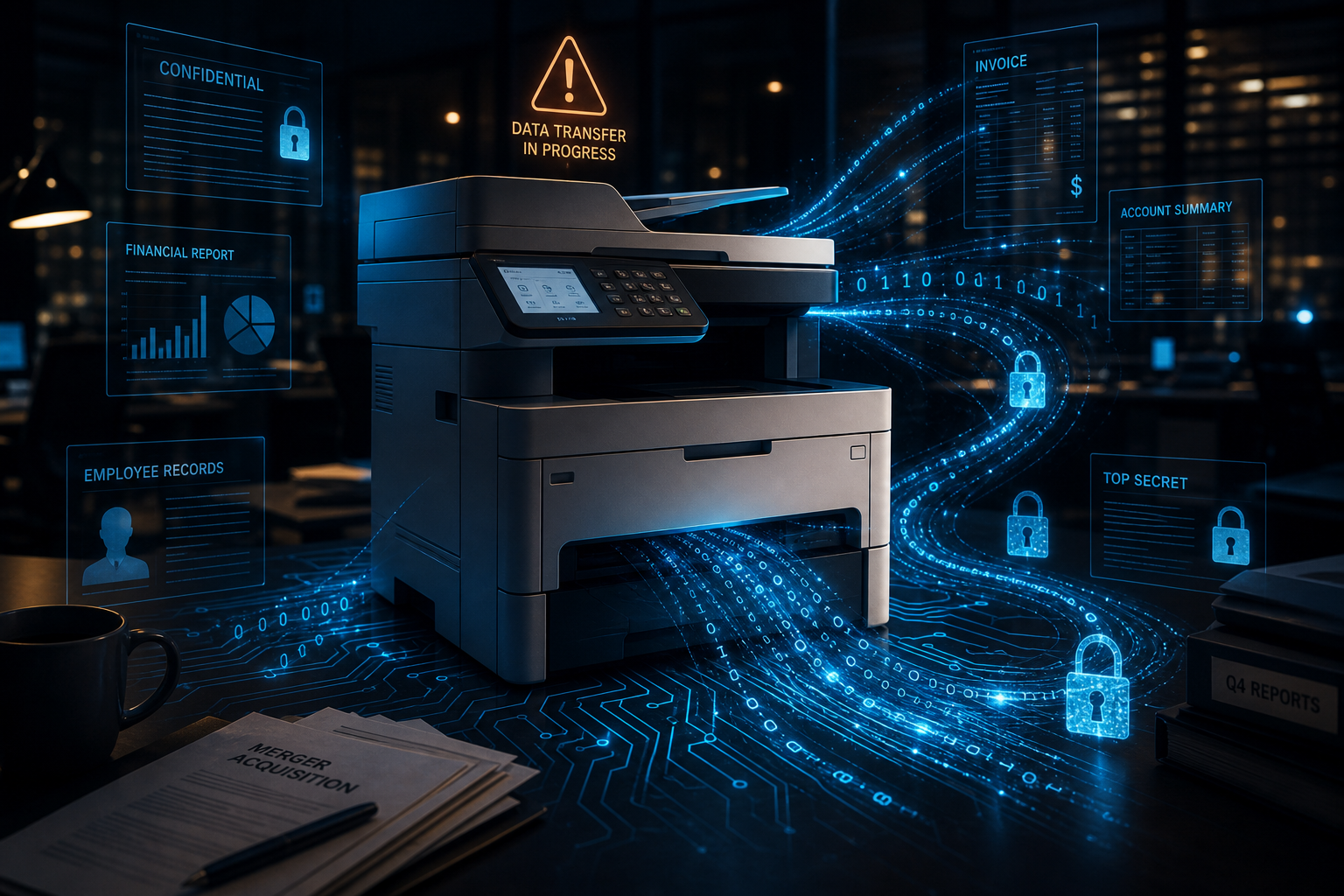
A modern printer can be a computer, scanner and network device in one. Depending on the model and settings, it may store documents, address books, email details or records of previous jobs.
That makes the printer part of your business technology, not just office equipment.
Check what the printer stores
Multifunction printers vary. Some have internal storage, while others keep little information after a job finishes. Features such as scan to email, secure printing and document queues may retain settings or files.
Check the model's manual or ask the supplier:
- Whether it has internal storage.
- Which print and scan jobs it keeps.
- How stored information is protected.
- How to erase information securely.
- How long the manufacturer provides security updates.
Do not assume every printer stores every document. Do not assume it stores nothing either.
Common printer risks
Default administrator details
Printers may arrive with a standard administrator password or an open setup page. Change the default details and store the new password in the business password manager.
Missed software updates
Printer software, often called firmware, may receive fixes from the manufacturer. Decide who checks and installs approved updates. Replace a device that no longer receives fixes if it cannot be isolated safely.
Unnecessary network access
A printer usually does not need to be open to the internet. Limit access to the staff, devices and services that use it. Turn off unused features and remote management.
Scan and email settings
Review saved email addresses, cloud connections and scan destinations. Remove old accounts and check that staff cannot accidentally send sensitive documents to an outdated address.
Documents left at the device
Printed information can be exposed even when the network is secure. Use secure print or a release code for payroll, customer and other sensitive documents where the printer supports it.
Secure the printer
Include printers in the same basic management process as other business devices:
- Record the model, location and person responsible for it.
- Change default passwords.
- Install supported security updates.
- Restrict access to the management screen.
- Turn off services the business does not use.
- Review saved destinations and authorised users.
- Check logs when the model provides useful records.
If a support company manages the printer, confirm who owns the administrator account and what happens to access when the agreement ends.
Erase data before disposal
Before selling, returning or recycling a printer, follow the manufacturer's process to clear internal storage and saved account details. A normal factory reset may not erase every storage device on every model.
Ask the supplier for written confirmation if it removes or destroys a drive. Keep that confirmation when the printer handled sensitive information.
Book a printer and connected-device security consultation to establish the printer's administrator, update status and disposal process. JCPIT Support will include it in the review of connected devices on your network.

