
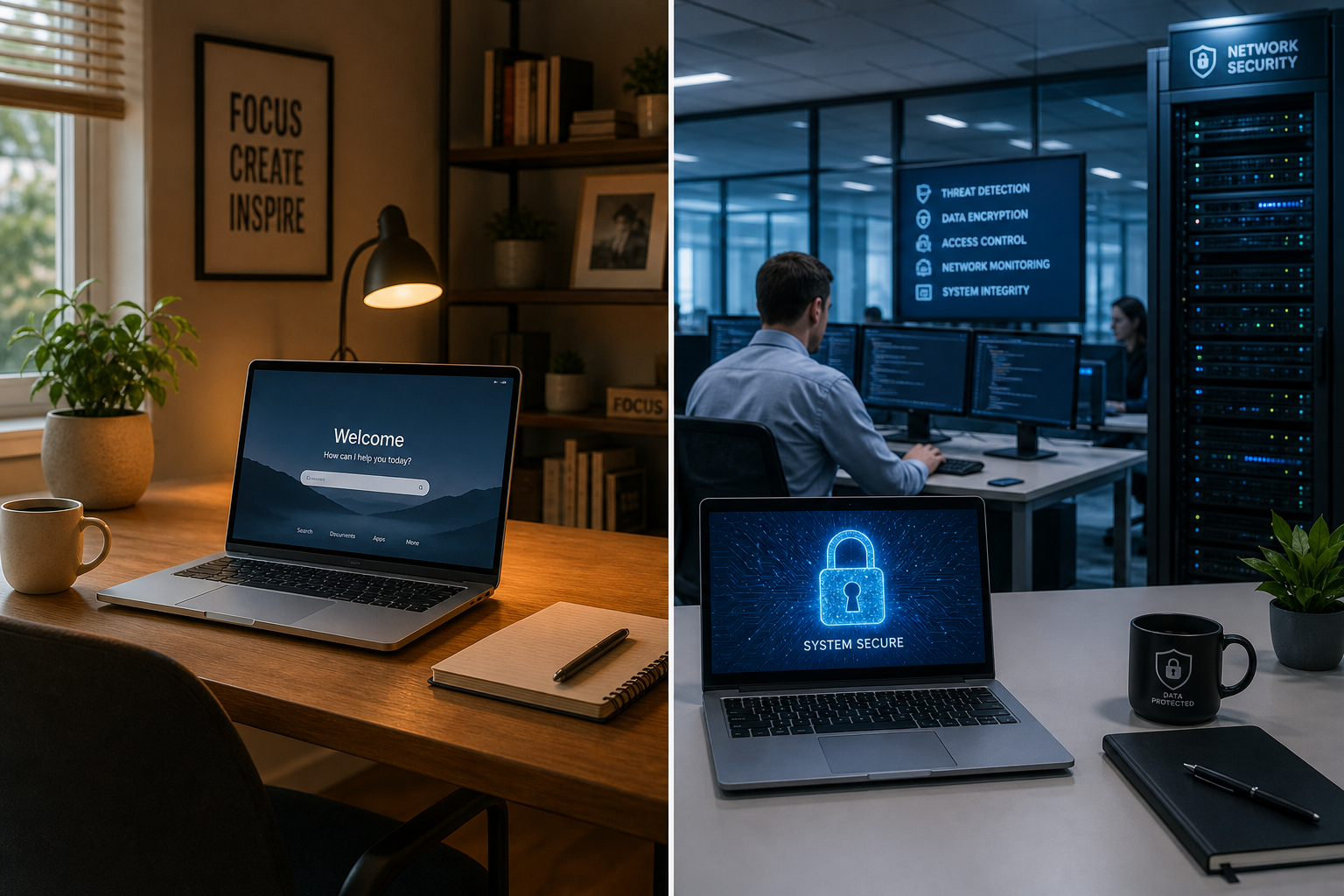
A new computer may be offered with Windows Home or Windows Pro. Both can run everyday applications, but Pro includes management and security features that are useful when a business supports several people or devices.
For most managed business computers, Windows Pro is the safer starting point. The right choice still depends on how the computer will be used and how the business manages access.
What both editions can do
Windows Home and Pro can run a web browser, Microsoft 365 applications and common business software. Both receive Windows security updates and include built-in security features.
The difference is not whether the computer can open Word or send email. It is how well the business can manage the device, protect its data and apply consistent settings.
Why businesses often choose Windows Pro
Business account and device management
Windows Pro can join common business management systems. This allows an authorised provider to apply settings, manage access and keep an inventory without configuring every computer by hand.
Central management becomes more useful as staff join, leave or work from different locations. It also helps the business check whether required settings are still in place.
Drive encryption management
Drive encryption protects data if a laptop is lost or stolen. Some Home devices may offer a form of device encryption, but availability and management options vary.
Windows Pro includes BitLocker management features that are better suited to a business environment. Encryption still needs to be enabled correctly, and the recovery key must be stored somewhere the business can access safely.
More control over settings and updates
Windows Pro supports additional controls for business policies and update management. An IT provider can use these controls to apply a consistent setup and plan changes across managed devices.
Updates should not be delayed indefinitely. Security updates remain important. The benefit is having a managed process rather than relying on each staff member to make the right choice.
Remote access and support
Windows Pro can host a Remote Desktop session, but it must be configured safely. A business should not expose Remote Desktop directly to the internet.
Many support providers use separate managed support tools instead. Ask how remote access is protected, recorded and removed when no longer needed.
Virtual computers
Windows Pro includes features that can run a separate virtual computer. This can help with software testing or an older application, but many small businesses will never need it. It should not drive the decision unless there is a clear use.
When Windows Home may be enough
Home may suit a computer that is genuinely for personal or low-risk use and does not need to join the business's device management system.
Before choosing it for work, check:
- what business data the device will hold
- whether the device needs central management
- how encryption and recovery will be handled
- whether an insurer, client contract or industry rule sets a requirement
- whether the current IT setup supports that edition
A sole trader can still benefit from Pro if the laptop contains customer records or is managed as part of the business. Staff count alone is not the deciding factor.
Check the whole setup
Buying Windows Pro does not automatically make a computer secure. It still needs a supported Windows version, updates, sign-in protection, device protection, backups and a process for lost or replaced equipment.
Likewise, a compliance requirement is rarely met by choosing one Windows edition. Confirm the actual requirement with the relevant adviser, insurer or contract owner.
Choose before the computer is deployed
It is easier to select the right edition before staff start using a device. Check the Windows edition when buying computers, especially if they come from a retail store or are supplied with a consumer configuration.
Before ordering or deploying new computers, contact JCPIT with the model, Windows edition and intended user. We can confirm whether the edition fits your management and encryption requirements before staff data is moved onto it.

