

A business continuity plan is a short set of decisions for keeping essential work moving when something goes wrong.
That something might be a cyber incident, a failed internet connection, a building problem, a supplier outage or a staff member being unavailable. The plan does not need to predict every event. It needs to help someone make the next sensible decision when the usual process no longer works.
Start with the work that must continue
Do not begin with a list of technology. Begin with the work customers and staff cannot wait for.
Write down:
- the services you deliver each day;
- the people who approve work, payments and customer communications;
- the information those services depend on; and
- the longest interruption the business can tolerate.
This is a simple business impact check. It helps you spend time on the systems that matter instead of trying to protect everything equally.

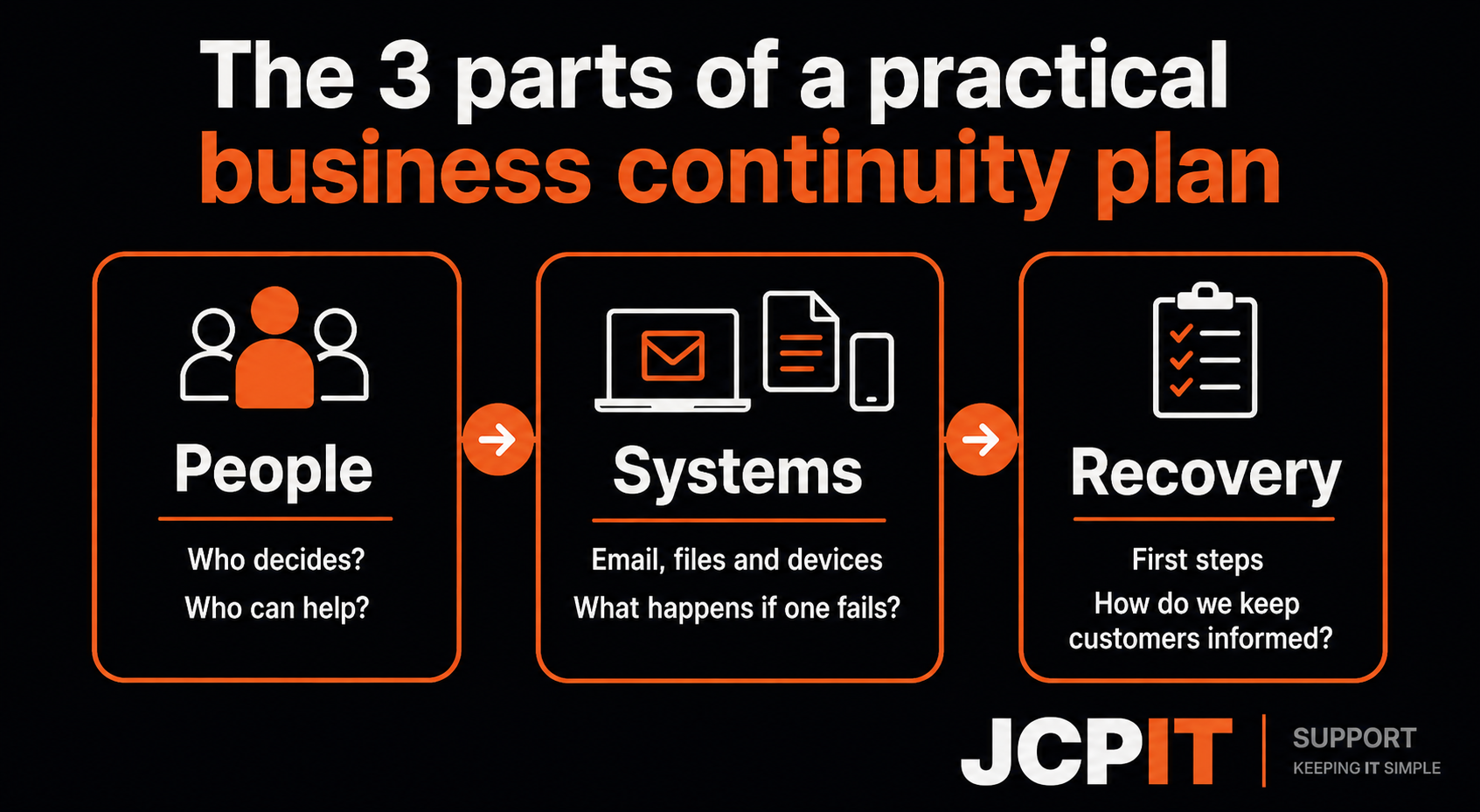
The three parts of a useful plan
People
Name the person who makes decisions if the owner or usual manager is unavailable. Add a second contact. Include your IT provider, key suppliers and anyone who needs to approve customer or staff messages.
Make sure those contacts are available outside the systems that may be affected. A contact list stored only in a locked Microsoft 365 account will not help if nobody can sign in.
Systems
List the systems that support essential work. This may include email, Microsoft 365 files, line-of-business software, phones, internet access, payment services and customer records.
For each one, record:
- who owns the account;
- how access is restored;
- what manual workaround is available; and
- which supplier should be called.
Keep the list current. A plan that names a retired product or former staff member creates delay at the worst possible time.
Recovery
Decide what happens first. For example, you may need to protect people and accounts, confirm what is still safe to use, restore the most important data, and tell customers what they need to know.
Do not confuse restoring a system with restoring the business. A recovered mailbox is useful, but staff also need a way to take orders, contact customers and record what happened.
Include a communications plan
Decide who communicates with:
- staff;
- customers;
- suppliers;
- insurers; and
- regulators, where required.
Keep an approved holding message short. It should say that the business is investigating an interruption, explain how customers can contact you, and avoid guessing about the cause.
If personal information may be involved, the Office of the Australian Information Commissioner data breach response guidance explains why a response plan should cover containment, assessment and management from start to finish.
Test one realistic scenario
Do not wait for a real incident to discover that a password, phone number or recovery step is missing.
Choose one scenario and walk through it with the people named in the plan:
- Microsoft 365 is unavailable;
- the office internet connection fails;
- a key laptop is lost; or
- a cyber incident makes a shared file unsafe to use.
Write down where the plan becomes unclear. Then fix that part. The ACSC Business Continuity in a Box resource is a useful Australian reference for continuing critical functions after a cyber incident.
Keep the plan where you can reach it
Keep a current copy in the normal business document system and another copy that remains available if that system or account cannot be reached. Restrict access to sensitive details, but make sure the people responsible for response can find the plan quickly.
Review it after a major system, supplier or staffing change. A short plan that reflects the business today is more useful than a detailed plan nobody trusts.
The short version
A practical business continuity plan answers three questions:
- Who makes decisions?
- Which systems and work matter most?
- What happens first when normal work stops?
Start there, test one scenario and update the plan when the business changes. That is enough to turn a vague intention to “be prepared” into something staff can use.

