
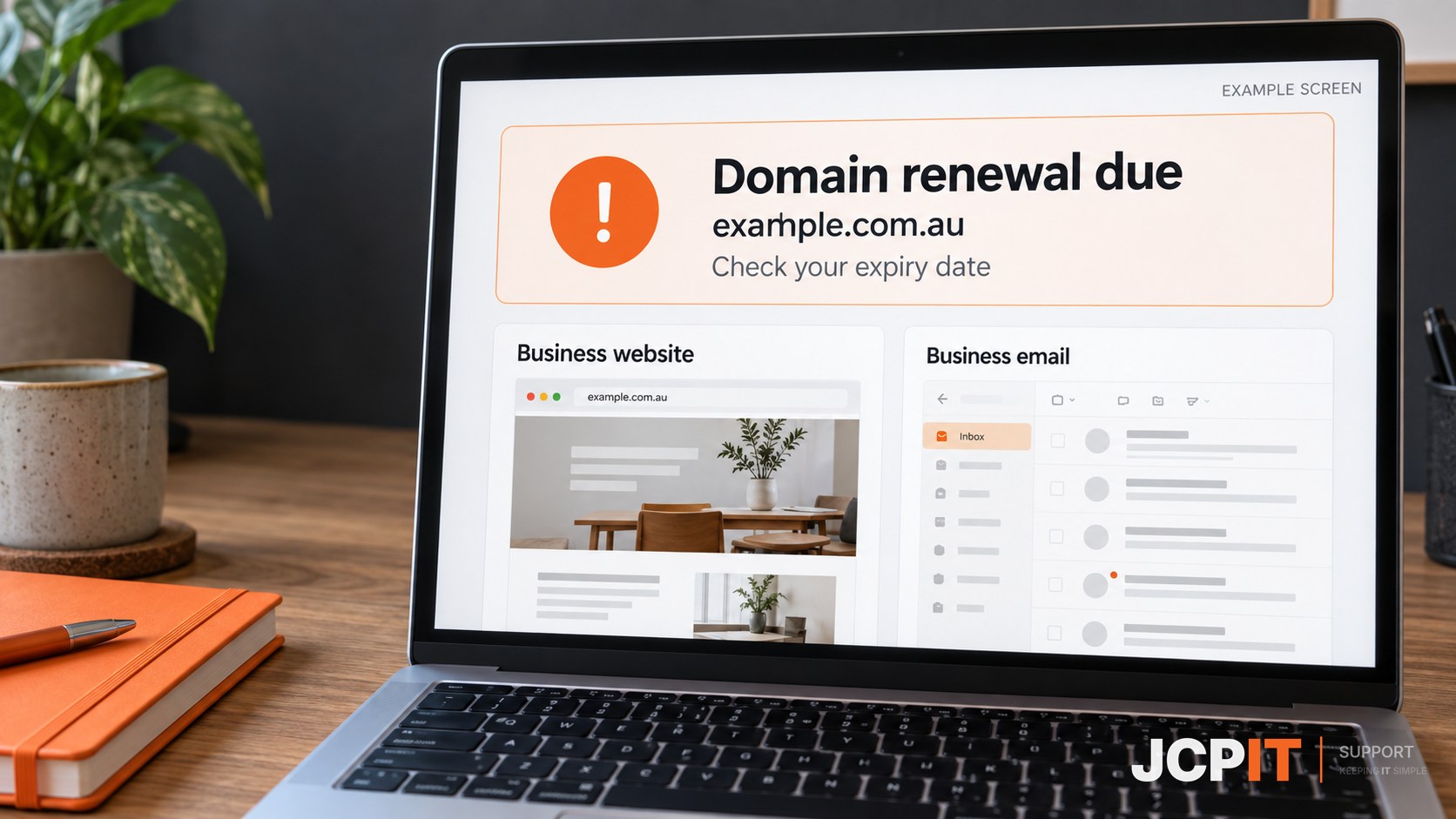
A missed domain renewal can stop your website and email. Check when your domain expires, even if your website hosting and Microsoft 365 bills are paid. auDA explains how expiry affects services using a .au domain.
Your domain is the address your business uses, such as example.com.au. This checklist helps you keep track of its renewal without relying on a notice arriving at the right time.
Who handles your renewal?
If an IT provider manages your domains, ask which ones are covered, when they expire and whether you need to approve or pay for renewal. Keep the provider’s contact details and recovery process somewhere your team can find them.
If you are unsure who handles it, start with previous domain invoices or ask the company that set up your website.
Keep a short renewal checklist
- Domain and provider: record each domain and the company you renew through, whether that is a registrar, reseller or IT provider.
- Expiry date: confirm it with your provider. For .au domains, the auDA password recovery tool also lets you check the expiry date.
- Responsible person: name who approves renewal and who confirms it is complete. Include a backup contact if that person is away.
- Access: for self-managed domains, test the account sign-in and make sure another authorised person can access it, including any multi-factor authentication. Check that renewal and recovery contacts are current. Where your provider allows it, use a recovery email address that does not depend on this domain.
- Payment: if you use auto-renewal, check it is enabled and the payment method is current. Confirm the new expiry date after renewal.
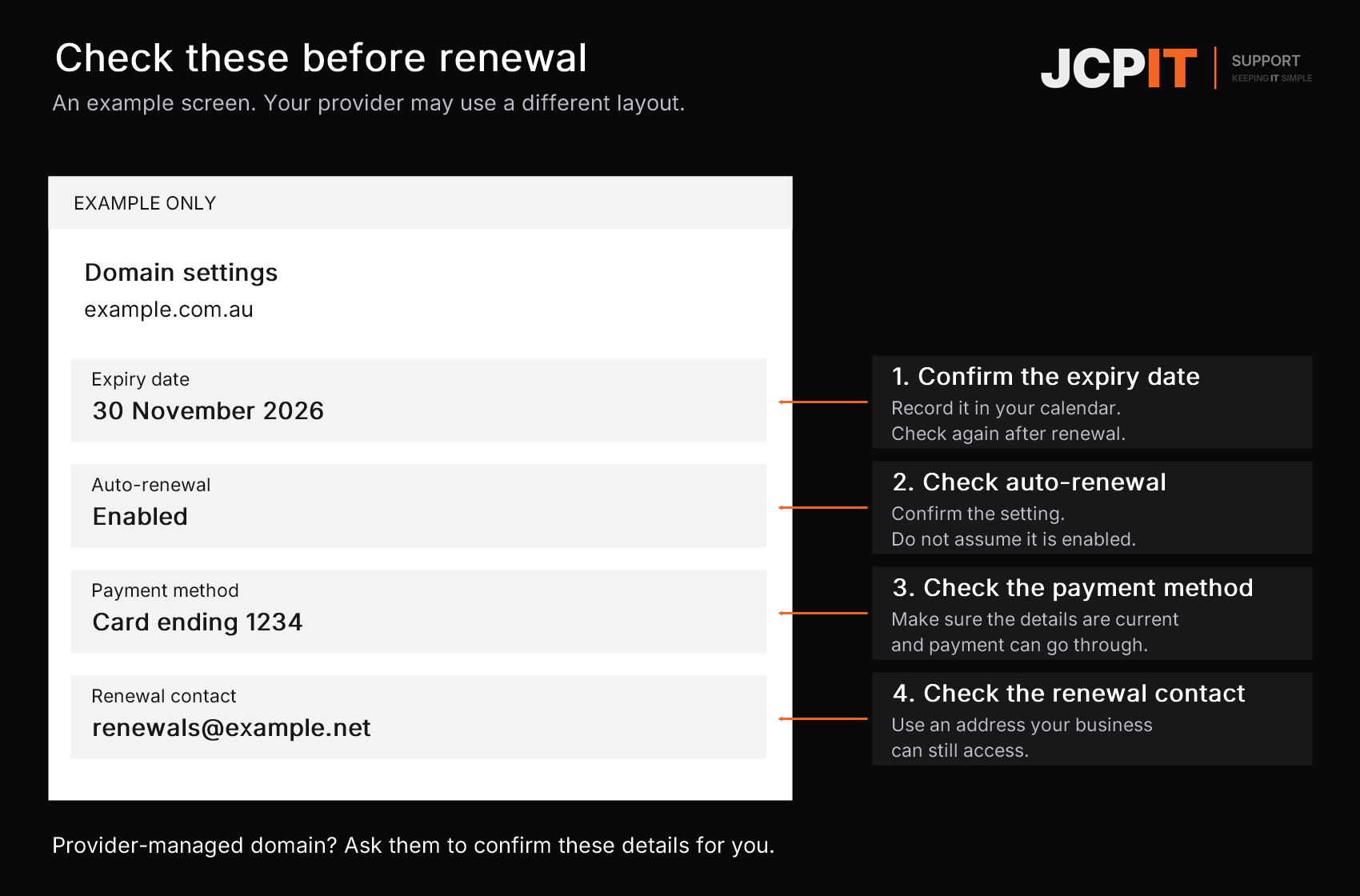
We recommend setting a calendar reminder a month before expiry. Use it to check renewal status, not just dismiss the reminder. If your provider handles renewal, ask: “Please confirm renewal is complete and send the updated expiry date.”
Check unexpected renewal invoices
Consumer Affairs Victoria warns about domain-name scams, including invoices for similar-looking domains or services you did not request. Check the exact domain, provider and due date before paying. If someone manages your domain for you, forward an unexpected notice to them first.
If your domain has already expired
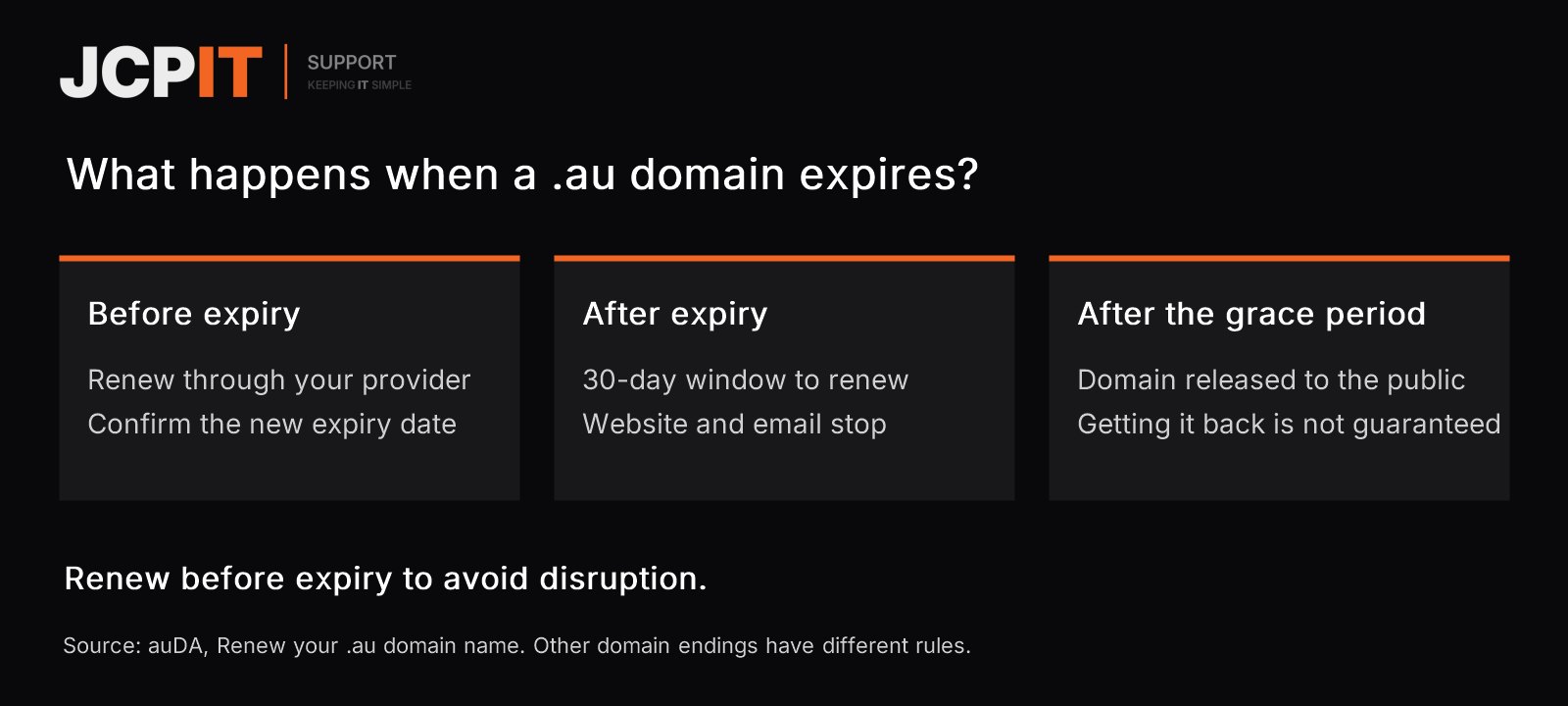
Contact your renewal provider promptly. auDA gives .au domains a 30-calendar-day grace period to renew, but website and email services using the domain stop during that period. It is a renewal window, not uninterrupted service. After it ends, an unrenewed domain is released for public registration, and getting it back is not guaranteed. Other domain endings have different rules.
Once renewal is confirmed, check that your website loads and that you can send and receive email.
Already a JCPIT client? Ask us to confirm whether your domains are included in your current service. If you need help organising renewals, see our domain management service.

