
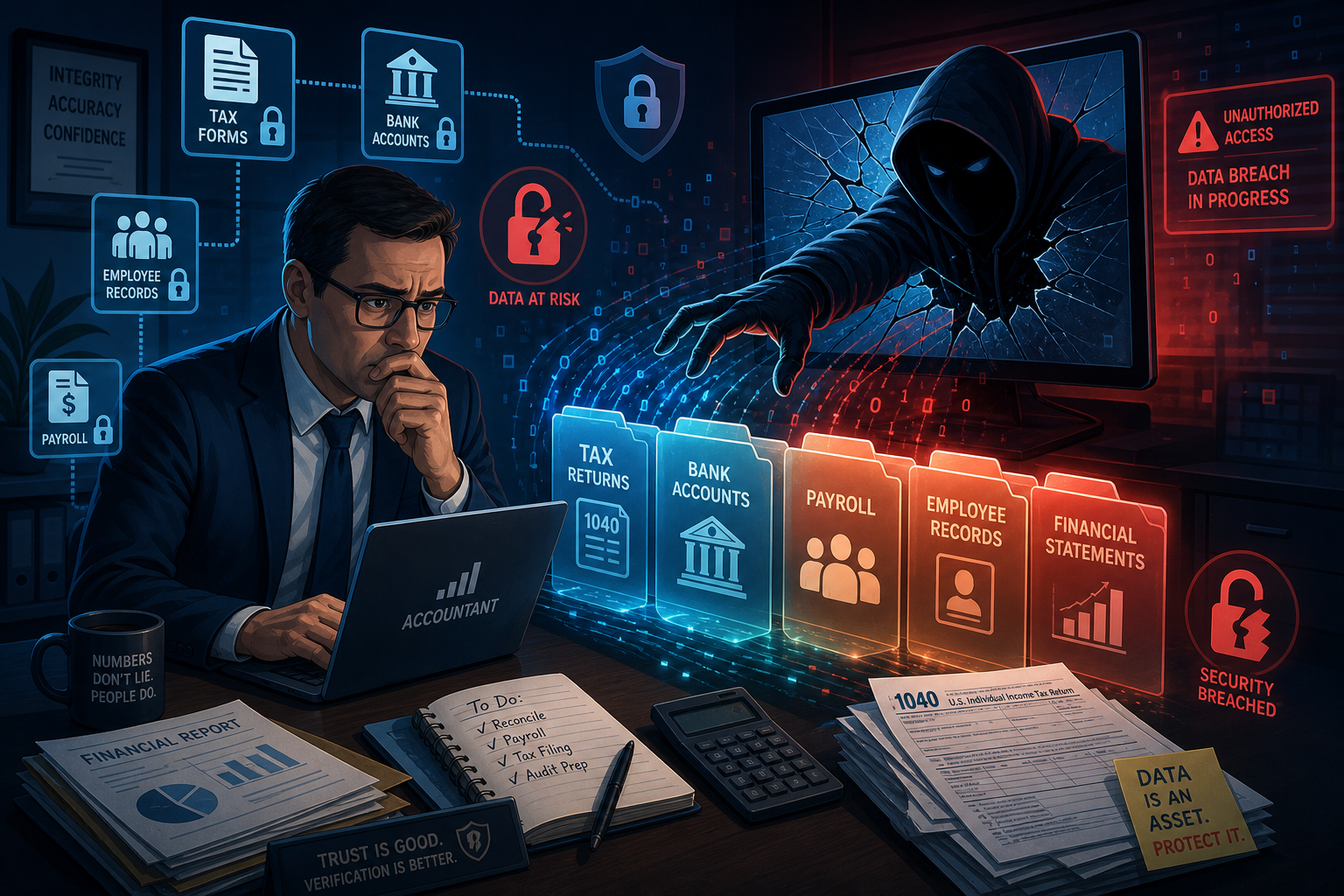
Your accountant may hold the bank details, payroll information and identity documents that keep your business running. If the practice cannot access its systems, or someone takes over an email account, your payroll, reporting or payments may also be affected.
You do not need to audit the practice. A few direct questions and sensible limits on access are enough to start.
What could be exposed
The information you share depends on the service, but it may include:
- business and personal tax records
- bank details and financial statements
- employee and payroll information
- contracts and other confidential documents
- access to accounting or government portals
A criminal could use that information for invoice fraud, identity theft or convincing messages that appear to come from someone you trust.
How an incident can affect your work
If your accountant loses access to its systems, payroll, reporting or a tax deadline may be delayed. You may also need to check whether your information was accessed and change any credentials or payment details that could be exposed.
Your response will depend on what happened and which information was involved. Keep your accountant's current contact details somewhere outside your normal email so you can verify urgent messages during an incident.
Questions worth asking
Ask your accountant how it protects client information and how it would contact you after a security incident. Useful questions include:
- Does each staff member use an individual account with multi-factor authentication?
- How do you send sensitive documents and control access to our records?
- How would you recover our records after data loss?
- How and when would you tell us about an incident involving our information?
The answers do not need to be highly technical. A clear process matters more than a long list of product names.
Reduce unnecessary access
Share only the information required for the work. Use the accountant's secure document portal where one is available rather than sending sensitive attachments through ordinary email.
Give outside advisers their own limited access to accounting platforms. Do not share the owner's password or multi-factor authentication codes. Review that access when the engagement ends or the people working on your account change.
Keep your own copies of important business records and know how they can be restored. Your accountant's records should not be your only copy.
Verify payment changes
A compromised email account can be used to send believable requests for changed bank details. Confirm any payment change by calling a known number, not a phone number supplied in the email.
Apply the same rule when your business asks customers to change the account they pay. The JCPIT invoice fraud checklist gives staff a short process to follow before a changed payment is approved.
Protect the part you control
You cannot manage another firm's systems, but you can control what you share, how access is granted and how unusual requests are checked.
If you want to check the part your business controls, book a third-party access consultation with JCPIT Support. We will review third-party access, document sharing and payment verification, then show you what to change first.

