
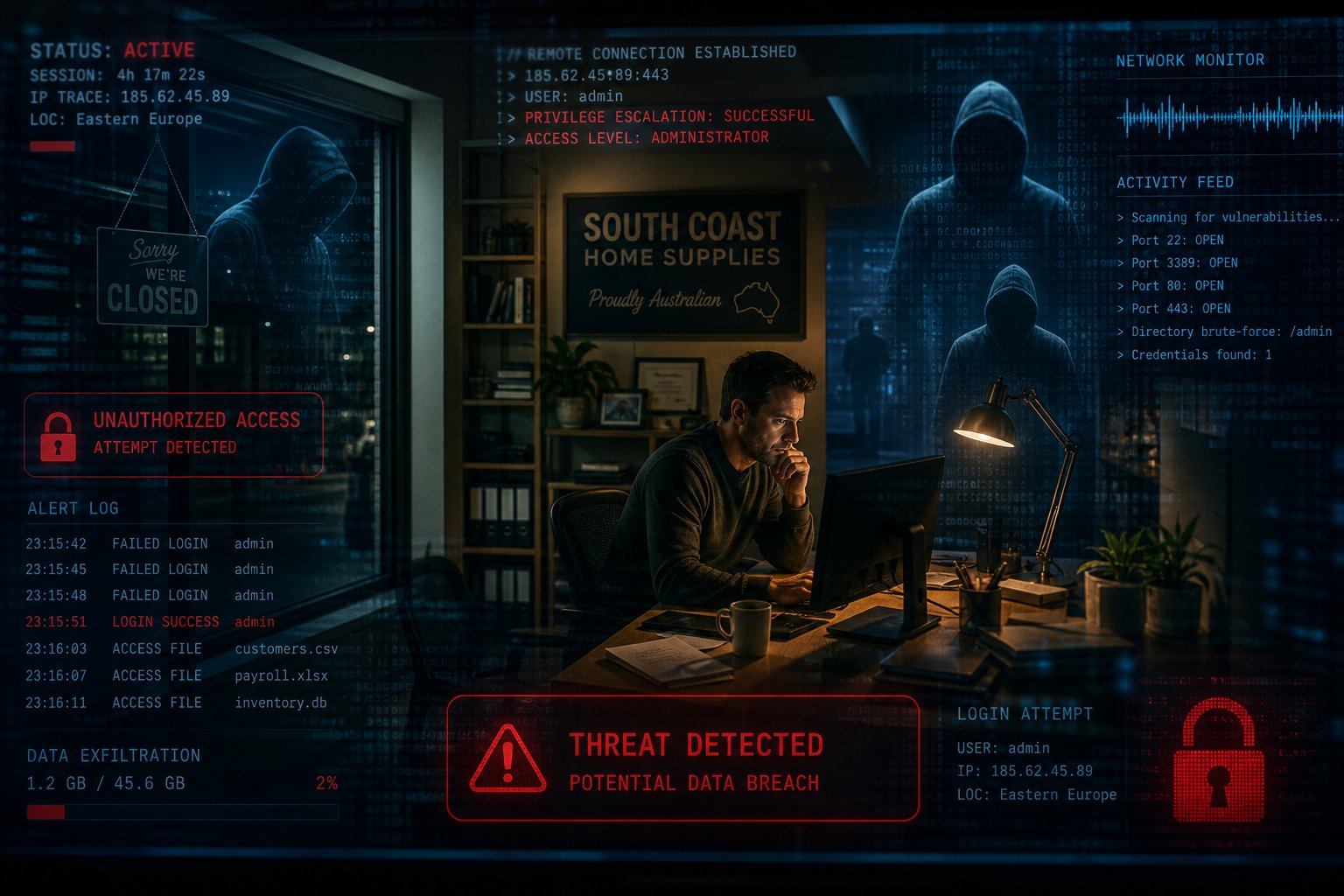
A strange password email or slow computer does not prove that someone has broken into your business. It does mean you should check what happened, especially when several unusual events appear together.
The sooner an account or device problem is reported, the better chance your business has to contain it.
1. An unfamiliar successful sign-in
A successful sign-in from an unknown device or location deserves prompt investigation. Check whether the staff member was travelling, using a mobile service or working through a connection that may show a different location.
Location information is not exact, so do not treat a map pin as proof. Focus on the time, device, app used and what happened after the sign-in.
Repeated failed attempts are common on internet services and do not necessarily mean a password is known. They still show why strong sign-in controls matter.
2. Password reset or approval requests you did not start
An unexpected password reset email may mean someone entered your address by mistake or is trying to gain access. An unexpected multi-factor authentication prompt is more urgent because it may follow a stolen password.
Do not approve the request. Report it to your IT contact and check the account through the official app or website, not through a link in the message.
3. Changes inside an email account
Email account takeovers often leave practical clues. Look for:
- Messages in Sent or Deleted Items that the user did not create.
- New forwarding or inbox rules.
- Replies from customers to messages the user never sent.
- A changed recovery address or phone number.
- Missing messages in an active conversation.
Treat unexpected payment or bank detail messages as urgent, even if they came from a genuine mailbox.
4. Security settings or software change without approval
A protection tool that has been turned off, a new remote access app or an unexpected administrator account needs investigation.
Slow performance can support that concern, but it is not proof of malware. Software updates, failing hardware and heavy applications can cause the same symptom. Ask your IT provider to check rather than installing a random clean-up tool from the internet.
The same applies to internet slowdowns or dropouts. Investigate them if they occur with other signs, but check normal network and provider faults too.
5. Messages show knowledge of real business activity
A fake invoice that names a current project, supplier or staff member may come from public research, a compromised contact or access to an email conversation.
Do not assume the source. Verify the request through a trusted channel and ask your IT provider to review affected accounts. Tell suppliers and customers what happened if they need to check messages sent in your name.
What to do when something looks wrong
Write down what happened and when. Take screenshots if it is safe to do so, but do not keep clicking through a suspicious message.
Contact your IT support provider using a known phone number. If money has been sent, call the bank immediately. Do not wait for an email reply.
Your IT provider may need to secure the account, end active sessions, reset sign-in details, check mailbox rules and review affected devices. Changing a password without checking the rest of the account may leave the original problem in place.
Reduce the chance of a repeat
Protect important accounts with multi-factor authentication, keep devices updated and remove access when staff leave. Use a clear payment verification process and make it easy for staff to report mistakes quickly.
Keep our Cyber Incident First Hour Checklist somewhere staff can reach if email is unavailable.
If you have an unfamiliar sign-in, mailbox change or device warning, contact JCPIT Support for an incident response consultation. We can check what happened, help contain it and review the warning signs before they interrupt the business.

