
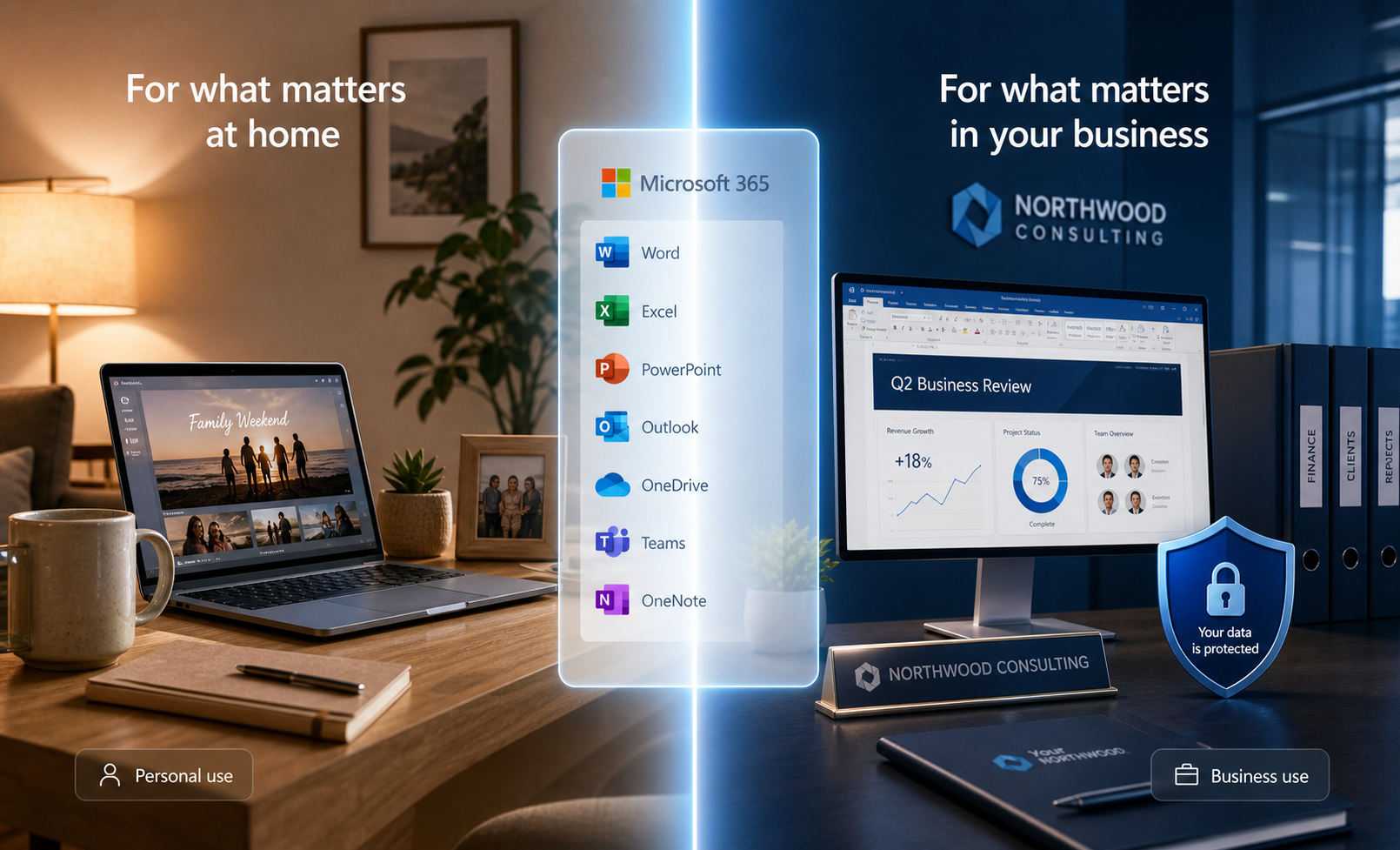
Microsoft 365 Personal and Family plans are designed for individuals and households. Microsoft 365 Business plans are designed for organisations that need to manage work accounts, company email, access and devices.
Both can provide familiar apps such as Word and Excel. The important difference is who controls the account and what happens when staff join, change roles or leave.
If the business needs to keep control of staff email and files when someone leaves, start by comparing business plans. Then check the account and device controls you need with our Microsoft 365 security service.
What consumer plans are for
A consumer subscription is tied to a personal Microsoft account. It can suit personal documents, household email and home file storage.
That becomes a problem when a business relies on an account owned by one employee. The business may have limited control over access, recovery and the files held in that account.
A personal email address can also make ownership unclear. If a staff member uses a personal mailbox for customer or supplier conversations, the business may struggle to retrieve those records later.
What business plans add
A business subscription can give the organisation control of work accounts under its own domain. An administrator can create and remove users, reset access and apply security settings.
Depending on the chosen plan and configuration, business services may include company email, Office apps, shared files, central account management and controls for devices, security, reporting or retention.
Not every plan includes every feature. Check the current Microsoft plan details and confirm what the business actually needs before buying licences.
The differences that matter
Business ownership of accounts
Work email, files and contacts should remain under business control. Each staff member should have an individual work account, not a shared personal login.
When someone leaves, an administrator can block their access and follow an agreed process for the mailbox and files.
Email using your own domain
A business service can support addresses such as name@yourbusiness.com.au. This gives the company control of the domain and makes it easier to manage staff changes.
The domain still needs to be set up and protected properly. Buying a business licence does not configure email security by itself.
Security settings
Business plans provide administration options that consumer accounts do not. The protections available depend on the licence and setup.
At a minimum, use multi-factor authentication, limit administrator access, remove old accounts and review suspicious sign-ins. Some plans include stronger email and device controls, while others need extra licences or services.
Handling business information
If you hold customer, financial or other sensitive information, you need clear control over who can access it and how it is retained. A business Microsoft 365 setup helps provide that control, but it does not make the organisation compliant automatically.
Get suitable privacy or legal advice for any specific obligations, including data location or record retention.
Support and management
Microsoft support options vary by product and agreement. Many small businesses also use an IT provider to configure the Microsoft 365 setup, manage staff changes and respond when email or access fails.
Which option suits a small business?
A consumer plan may be enough for genuinely personal use that is separate from the business.
A business plan is usually the better fit when you use company email, have staff, store business records or need the organisation to control accounts and files.
Choose the plan after checking the required apps, email, device controls and security features. Do not pay for features you will not use, but do not assume the cheapest plan covers every protection.
Before changing licences, ask JCPIT for a Microsoft 365 licence review. We will confirm the access needed, check the current plan information and explain which features match the way your business works.

